
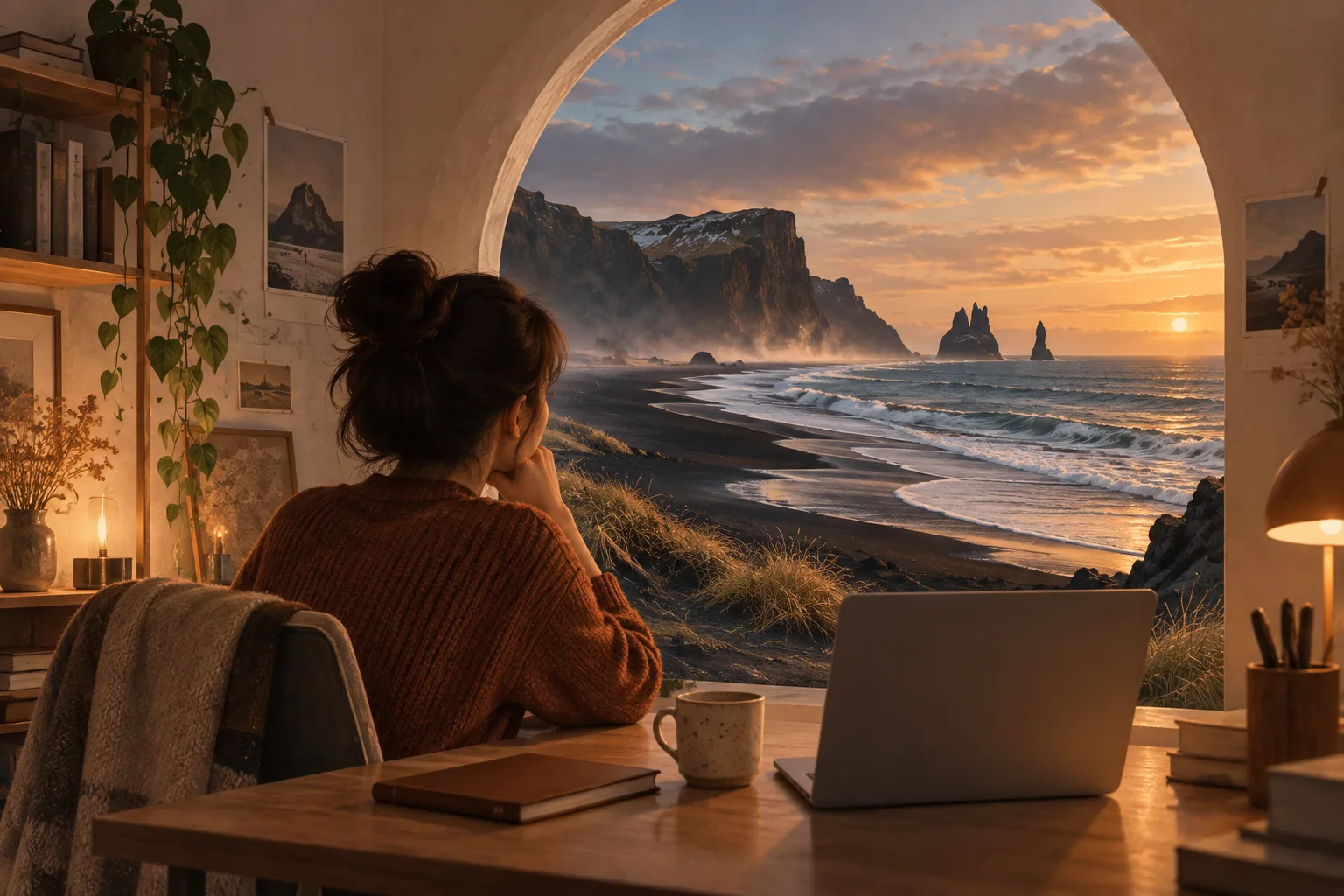
Your saved posts are full of places you want to visit. Iceland’s black sand beaches. The streets of Paris. The quiet lanes of Kyoto. Every time one appears in your feed, you think, “I’ll go there when I have time.”
But your calendar stays full. There’s a project to finish, a weekend spent catching up on sleep, or a few precious days off that don’t line up with anyone else’s schedule. The trip keeps getting pushed back.
If you can’t get away just yet, you can still use a little free time to turn “I’d love to go there” into a picture you can see.
Teleport Me is an AI virtual travel photo generator. Choose a destination on the map and create a landscape image, or upload your own photo to imagine yourself there.
Start with one place you’ve saved and always wanted to visit.
Choose Somewhere You’d Like to Be Today
You don’t need an itinerary or a plan for how many days to stay.
Open Teleport Me, search for a place, or pick a spot directly on the map. Choose a city you’ve dreamed about for years, or simply follow your mood. After a long day at work, perhaps you want to be by the sea. When the weather turns cool, maybe you start thinking about distant snowy mountains.
Once you’ve chosen a destination, you can check its local time and weather. Teleport Me uses this information to guide the lighting and atmosphere of the image it generates.
These pictures are AI creations, not live photographs of the destination. Think of the experience as giving your imagination somewhere specific to go.
Put Yourself in the Picture
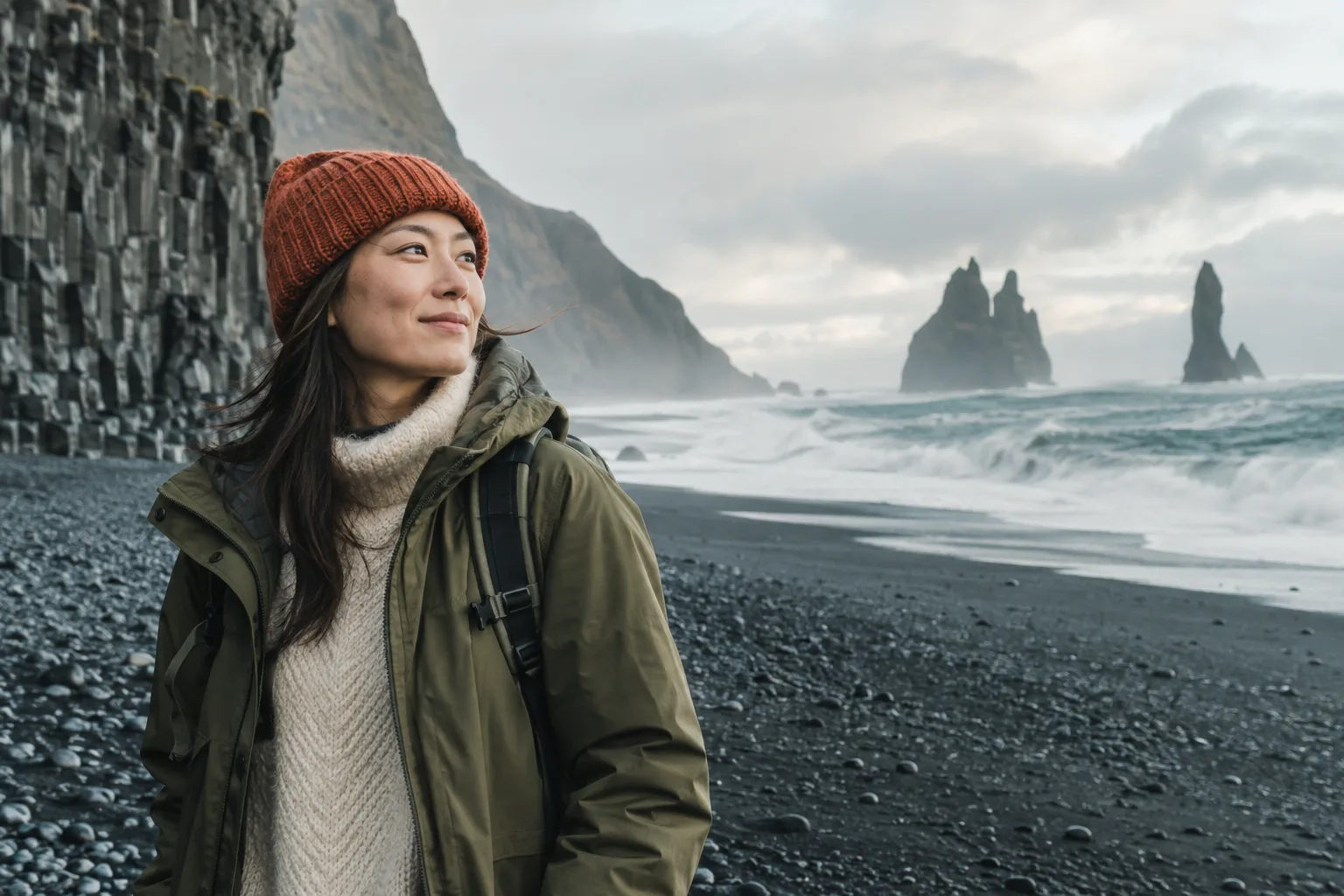
To imagine yourself on that trip, select “Travel Portrait,” upload a photo that clearly shows you, and click “Generate.”
You might find yourself on a Paris street or beside the sea in Iceland. Teleport Me will try to blend the people in your photo into the new scene and adapt their clothing to the local weather.
For your first try, follow these steps:
- Choose a location. Search for a city or landmark and select your destination from the results.
- Choose your photo type. Select “Travel Portrait” and upload a photo to appear in the scene, or choose “Scenery Only” for a landscape.
- Click “Generate.” Wait for the result and see how this virtual trip takes shape.
- Save a picture you like. Click “Download,” or try “Regenerate” to see another version.
While you wait, consider a question you might rarely stop to ask: if you were already there, how would you spend the day?
If you’d rather not upload a portrait, a picture of somewhere you’d love to be is a good place to start, too.
Bring Along the Person Who Always Says “Let’s Go Someday”
Some trips never get past the planning stage because everyone’s schedules are so hard to align.
Upload an existing group photo to bring your friends, partner, or family into a virtual travel scene. Pick a destination you’ve talked about visiting together and create an AI travel picture featuring your group.
After saving it, add a line of your own:
When we can all make it, let’s take this photo for real.
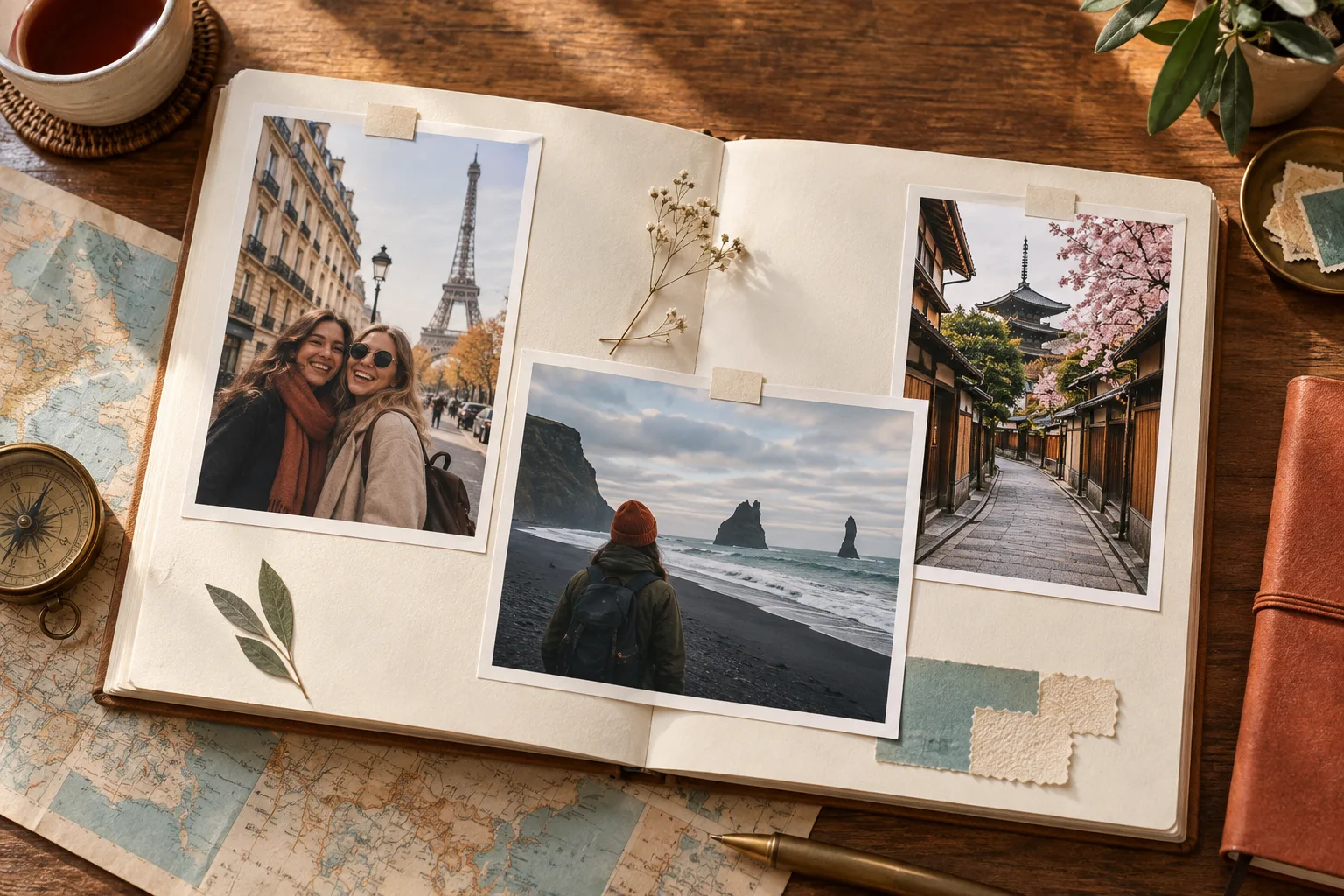
It could be the first page of a travel wish album. Whenever another place comes to mind, add a picture and a note about something you’d like to do there together.
Sometimes, Choose a Different Era, Too
For a more playful break, turn on Teleport Me’s “Time Machine” feature and enter an era you’d like to visit.
Imagine yourself walking through Paris in the 1920s or visiting Tokyo in the future. The system will try to adapt the setting and clothing to your chosen era.
Treat it like a still from an imaginary film: you’re the main character, and you choose the place and time.

Keep Something to Look Forward To
Create an album on your phone called “Places to Go Someday.” Save your favorite results and add a simple note:
“I want to watch a sunset here.”
“I’d love to take a walk here with my parents.”
“This is the first place I’ll consider for my next long break.”
When you share these pictures, label them as AI virtual travel creations. They can also be a way to ask your friends where they’d most like to go.
When you finally make the trip, the feel of the wind, the sounds of the street, and the people you meet along the way will still be yours to experience in person. Until then, Teleport Me can help make the places in your saved posts feel a little more connected to you.
When you have a moment today, open Teleport Me and choose somewhere you’d like to go. Create your first virtual travel photo and give that someday trip a picture of its own.